Omnivore went in November 2024, with about two weeks’ notice. Pocket went in July 2025, with a few months to export. Both held years of things people meant to read.
Neither closed because its users did anything wrong. A company decided, and the clock started.
So before you trust the next one, check five things. Pluck is the app we make, and we hold it to the same list.
1. Can you take everything out today?
Not “export is coming”. Not an email to support. A button, today, and a file you can open without the app.
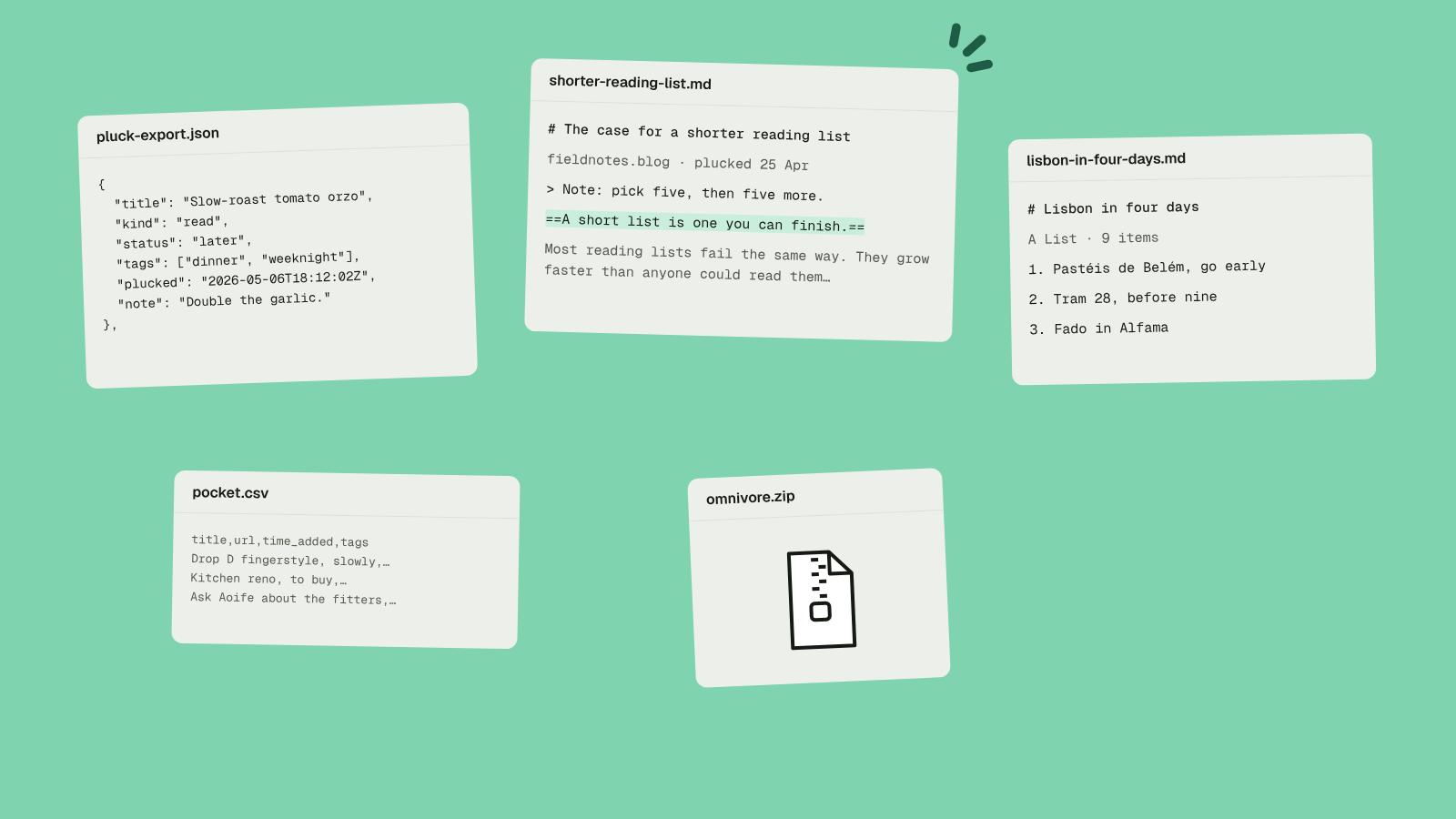
Pluck’s is in Settings, and a link to the zip arrives by email in a minute or two. Inside is every item as JSON, with your notes and highlights, plus a Markdown file for each item and each list. Any one list downloads as Markdown from its own page too.
2. Does it keep the page, or just the link?
A link only works while someone else keeps the page up. Sites move, go behind a paywall or vanish.
Pluck keeps the page text when you pluck it, so your copy is still there when the site isn’t. When a page can’t be read, Pluck says so and offers the Wayback copy.
3. Is the code public?
If the code is public, the app can outlive the company. Someone can fork it, and you can read what it does with your data.
Pluck is open source under Apache-2.0, the server and the apps alike.
Public code isn’t the whole answer, mind. Omnivore was open source too.
4. Can you run it yourself without losing a weekend?
This is what saves you when the company goes, so running your own copy has to be ordinary.
For Pluck it’s git clone, then docker compose up -d. The web app, the iPhone app and your AI all work with your server, and the Chrome extension builds for it with one more command. The self-host guide covers mail, storage and the extension.
5. Does your AI get in on your terms?
Sooner or later you’ll want your AI to search your library and sort it. The question is who’s in charge.
Pluck has no AI inside. Your own AI tool connects with one link over MCP, the open standard, and does what you ask. It can’t delete anything or make a list public, and every tag and list it makes is marked. Connect your AI has the details.
The others
You should look around. Some good ones:
- Wallabag is open source and has been around a long time. It’s built to run on your own server, and there’s paid hosting if you’d rather not.
- Karakeep (it used to be Hoarder) is open source and self-hosted, with AI tagging inside if you set up a model.
- Linkwarden is open source and keeps copies of the pages you give it.
- Raindrop, Readwise Reader and Instapaper are polished and closed source. At the time of writing, Raindrop’s AI connector is a beta on its paid plan.
Where Pluck fits: it’s free to use at getpluck.io, the same code runs on your own server, and every account comes with an AI connector. It’s one inbox for articles, videos, notes, todos and the hob you’re thinking of buying.
If you’re moving
Pluck imports a Pocket CSV, an Omnivore zip, a Raindrop CSV and the bookmarks file your browser exports. Everything lands in the Archive, searchable, so your Inbox starts empty. If you kept a Pocket export, here’s the walkthrough. For Omnivore, this one.
Pluck it. Sort it later.