Mozilla closed Pocket in July 2025. The app went first, and the export window shut in October.
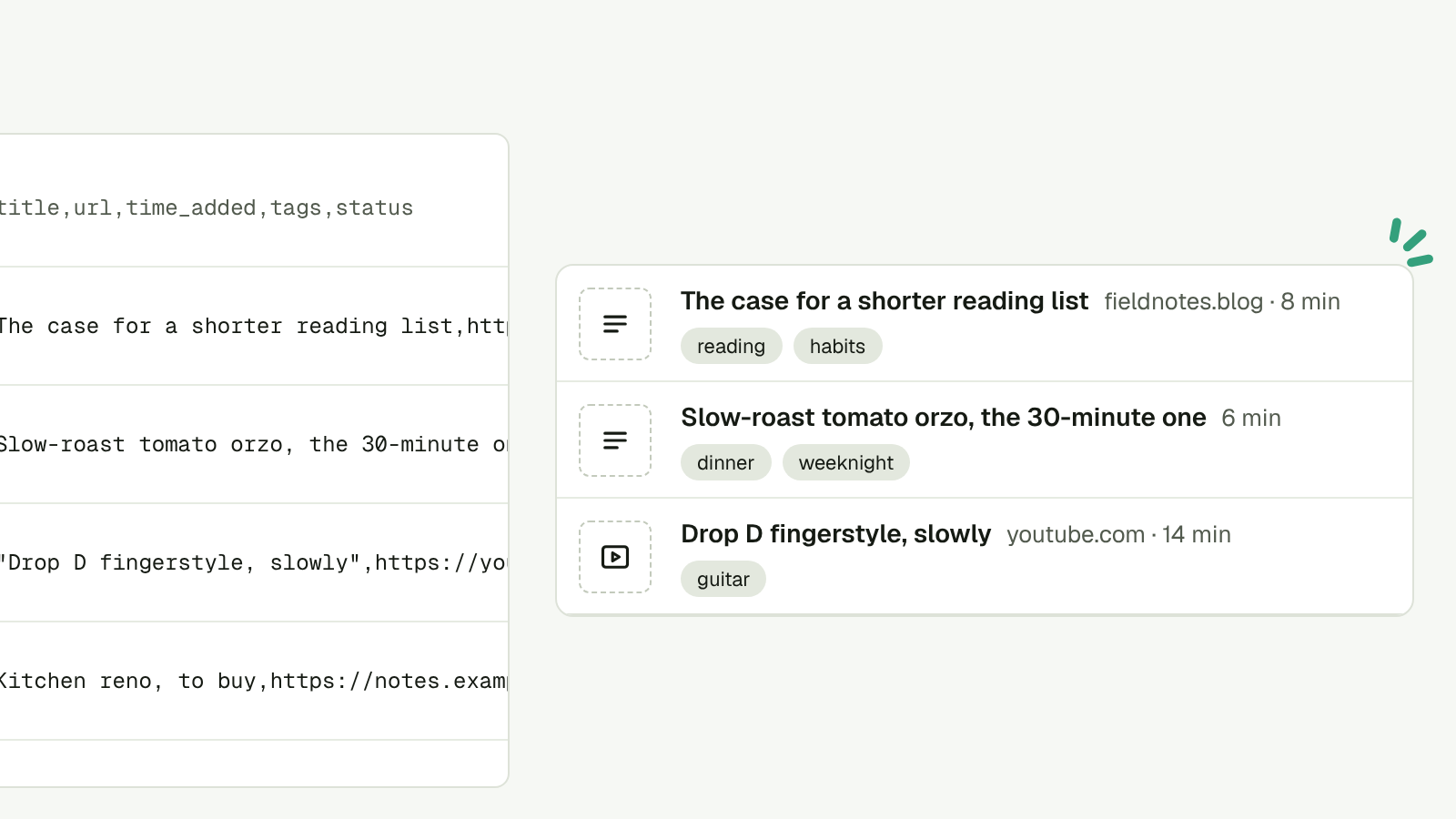
If you downloaded your CSV in time, you have every link you ever put in Pocket. One file, sitting in Downloads, doing nothing.
Pluck takes that file as it is.
Bring it across
- Sign in to Pluck. You get a link by email. There’s no password.
- Open Settings, then Import and export.
- Pick Pocket (CSV) and drop the file in.
That’s it. The import runs in the background, so you can close the tab.
What comes with it
- Every link, with its title.
- Your tags. Pocket joined them with a bar, and Pluck splits them back out.
- The date you first kept each one, so the order still makes sense.
If you’ve already plucked something that’s also in the file, you get one item, not two.
Where it lands
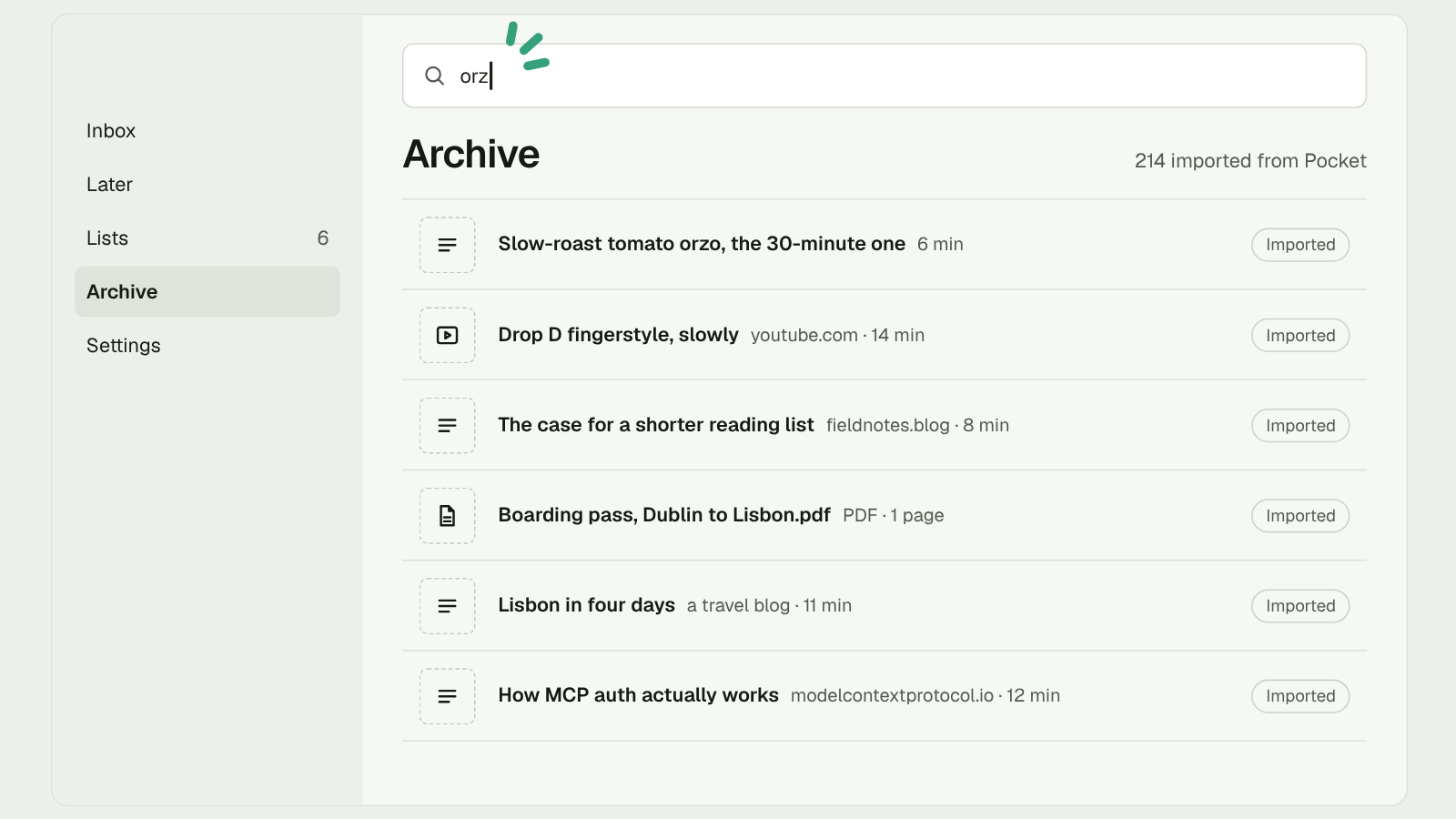
In the Archive, marked Imported. Not the Inbox.
Two thousand unread things on day one is not a fresh start. They’re all in the Archive and all searchable, so pull one back when you want it. The Inbox is for what you pluck from here on.
The pages
A Pocket CSV holds links, not pages, so Pluck goes back and reads each page again. It does this a few at a time, so a big library doesn’t hammer anyone’s site. Most pages come back as clean text you can read in Pluck.
Some won’t. If a page no longer opens, Pluck says “Couldn’t read this page” and offers the Wayback copy, so you can still see what was there.
From now on Pluck keeps the page when you pluck it, not just the link. If the site goes, your copy doesn’t.
Why this won’t happen twice
Pocket closed because Mozilla decided to close it. Nothing its users did would have changed that.
Pluck is open source. The code is public, and you can run your own copy with one command. Export works today: every item as JSON, plus a Markdown file for each item and each list. If we ever stop, you don’t.
Not just Pocket
The same screen takes an Omnivore zip, a Raindrop CSV and the bookmarks file your browser exports. Bring all of them. Anything that’s in two files becomes one item.
Then pluck the next thing from the iPhone share sheet, Chrome, email or your AI.
Pluck it. Sort it later.