Newsletters are good. Your email is a bad place to read them. They sit between a dentist reminder and a thread you’re avoiding, and they’re gone by Thursday.
Every Pluck account has its own address. Forward a newsletter to it and it lands in your Inbox as something to read.
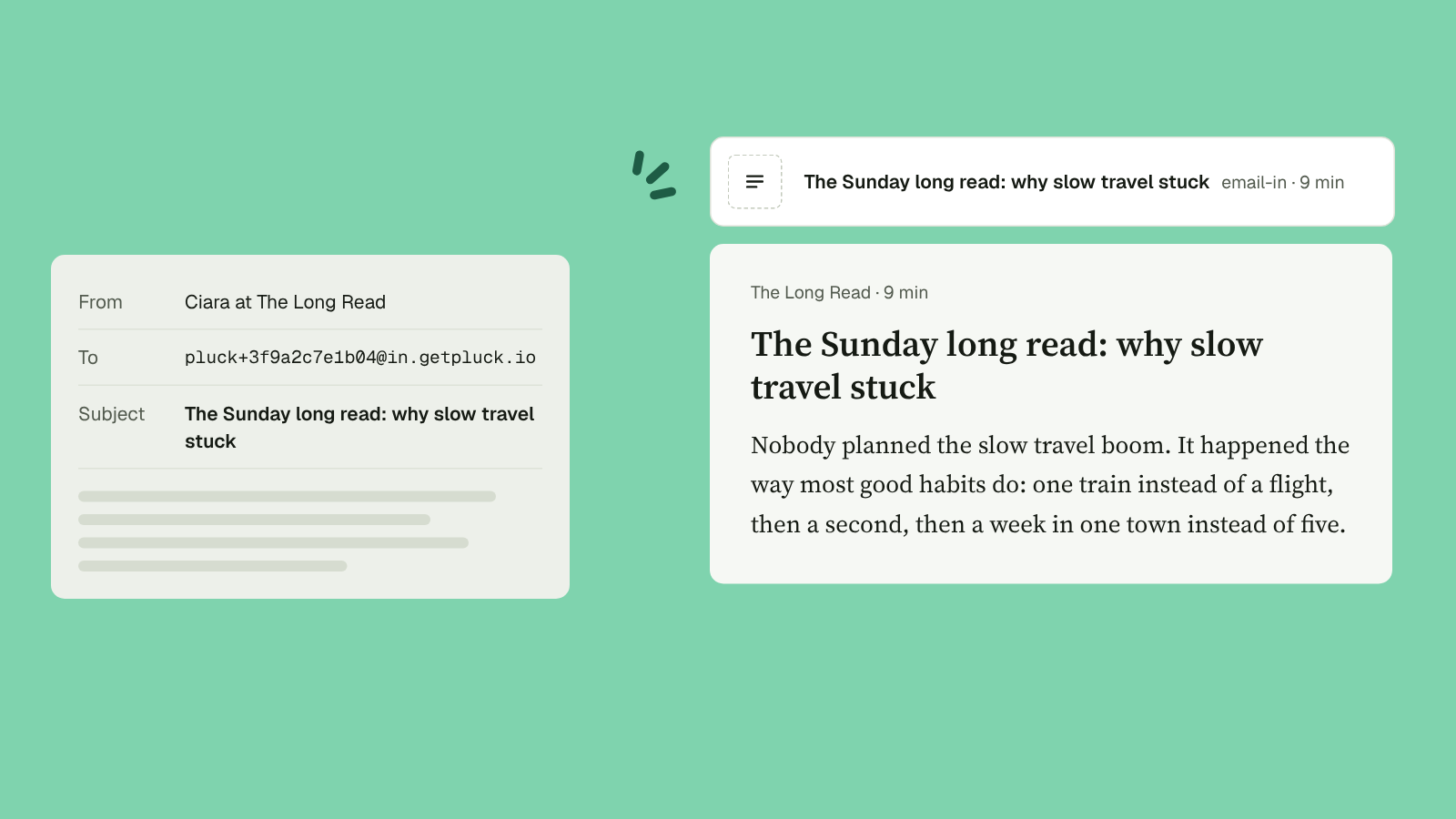
Find your address
Settings, then Email-in. It looks like pluck+3f9a2c7e1b04@in.getpluck.io. Press Copy.
Forward something
Forward any email to it. That’s the whole set-up.
To make it automatic, set up a filter in your email that forwards a newsletter as it arrives. Some email services send a code to the new address first, to check it’s yours. That email lands in your Pluck Inbox like anything else, so open it there.
What you get
- A Read item in your Inbox, titled with the subject line.
- The sender’s name where the site would go.
- The text, cleaned up the same way Pluck cleans a web page.
- The original email, kept with the item.
What it doesn’t do
It reads the email, not the links in it. If a newsletter points at an article you want, pluck the article itself.
Attachments aren’t read either, and emails over 10 MB don’t come through. You can send up to 200 a day, which should be plenty.
Keep the address to yourself
Anyone who has the address can send to it. If it ends up somewhere it shouldn’t, choose Regenerate address in Settings. The old one stops working at once.
And if you don’t read it
Same as anything else. Untouched for 30 days, it moves to the Archive, still searchable. Nothing is deleted. The newsletter can wait. Your email doesn’t have to hold it.